
The 7 Trust Signals Missing From Most Professional Service Websites (With Examples)
Build website trust with verified reviews, third-party badges, clear contact details, real team photos, policies, HTTPS security, and media mentions that help prospects feel safe.
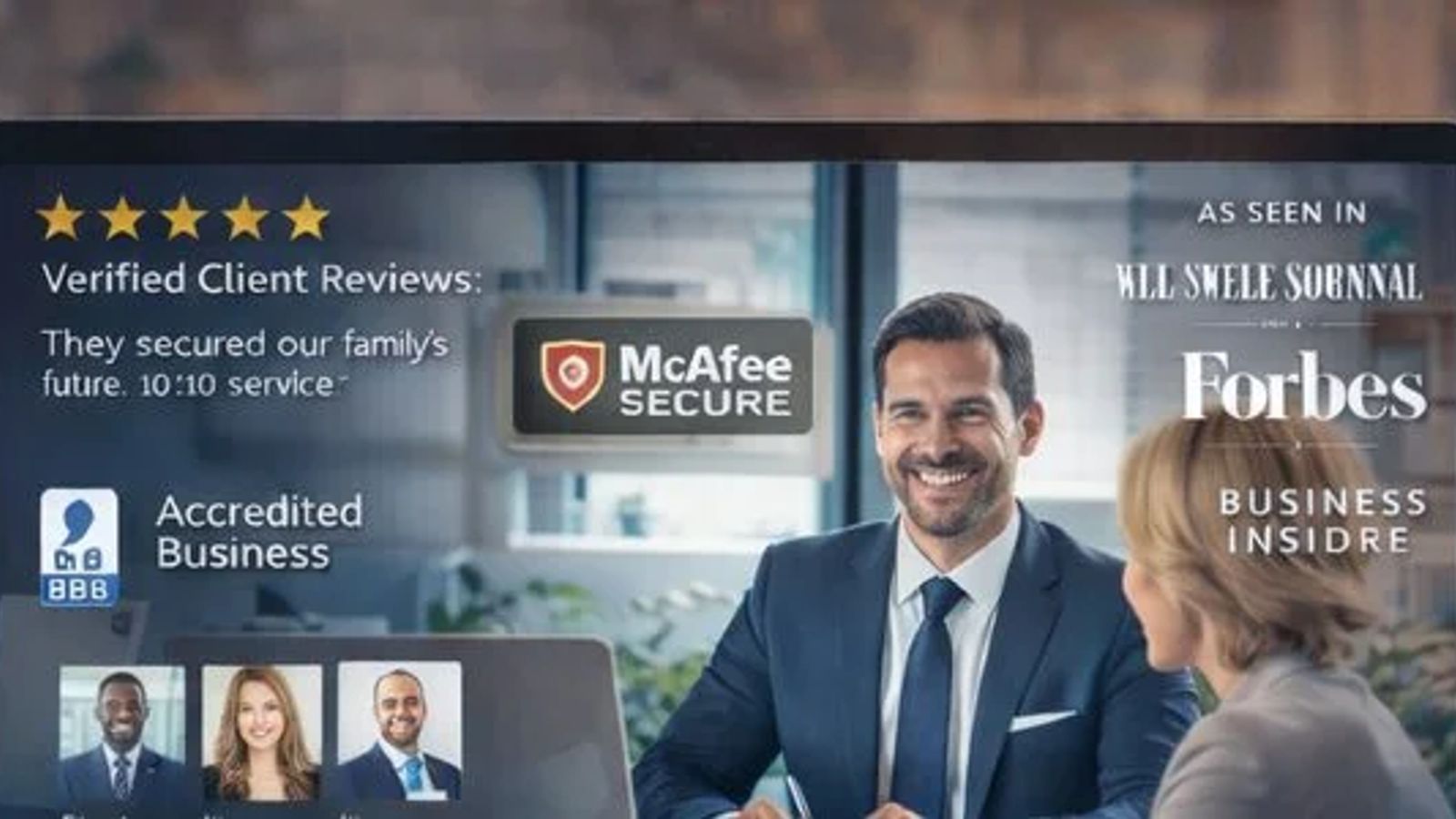
So, you've got a professional service website. Looks good, right? But are people actually *trusting* it? It's easy to get caught up in making things look pretty or listing all your services, but if your site isn't built on a foundation of trust, you're probably losing potential clients without even knowing it. Think about it: when you're looking for a service online, you want to know you're dealing with someone legit. That's where trust signals come in. These are the little things, and sometimes the big things, that tell visitors, 'Yep, these guys are the real deal.' We're going to look at seven common trust signals website owners often miss, and why they matter. Getting these right can make a huge difference.
Key Takeaways
- Many professional service websites miss crucial trust signals that could be costing them clients.
- Genuine customer reviews are powerful indicators of a business's reliability.
- Third-party endorsements like certifications and badges add significant credibility.
- Clear, up-to-date contact details and transparent policies build confidence.
- Authentic staff photos and bios, along with secure website connections, humanize and protect visitors.
Verified Customer Reviews
Right, let's cut to the chase: nothing screams "trust us" better to a wary website visitor than seeing some real, verified customer reviews front and center. And yet, I still see heaps of professional service websites where reviews are treated like an afterthought—if they're even shown at all. No wonder people end up bouncing back to Google to hunt for someone who seems, you know, not made up.
Why are verified reviews so important for website credibility professional services? Consider:
- Most people trust the word of a stranger online more than your own sales pitch. (Painful, but true.)
- Social proof website elements like reviews reduce hesitation and make it feel safe to do business with you.
- Clear, recent, and visible testimonials placement helps answer that question on every visitor's mind: “Is this legit or am I about to get scammed?”
What counts as a "verified" review? Basically, reviews where it’s clear:
- The reviewer exists (hello, actual names or blurry headshots!)
- They actually used your service
- They say something specific about their experience
Here's how bad versus good review sections typically shake out:
Example
Trust Level
Why?
"Excellent work!"
Low
Generic, no details
"Fixed my AC in a day! - Janet, Homeowner"
Medium
Real name, real outcome
"See our 62 client reviews on Google" (with link)
High
External verification, quantity
And if you think all reviews are created equal, think again. Folks are looking for details, numbers, and outcomes, not just "Great job, highly recommend."
- Show reviews pulled from external sources (like Google or Yelp) if possible
- Add a photo or company name with each testimonial for extra oomph
- Place reviews near your CTA—not on a lonely back page
A website without visible reviews feels kinda like a restaurant with no customers—what are they trying to hide?
Bottom line: skip the generic "testimonials" page and sprinkle real, specific reviews in places where they actually give people the nudge to call, book, or click. Add those trust signals and see what happens to those conversions. It’s not magic. It’s just common sense.
Third-Party Badges and Certifications
Okay, let's talk about those little logos you see sprinkled around websites. You know, the ones from organizations like the Better Business Bureau, or maybe some industry-specific group? These aren't just for decoration, folks. They're like a digital handshake, a nod from an established entity saying, 'Yep, this business is legit.' Think of them as your website's VIP pass to credibility.
Why bother with these? Well, a survey found that a whopping 83% of people are more likely to trust a site that shows off these kinds of badges. That's a pretty big chunk of potential customers you might be missing out on if you're not displaying them. It's not just about looking official; it's about leveraging external validation. People tend to trust what other organizations say more than what a business says about itself. It’s like getting a recommendation from a friend versus a salesperson trying to push a product.
Here are a few types of badges and certifications that can really boost your trustworthiness:
- Industry-Specific Certifications: If you're in healthcare, maybe a HIPAA certification. For finance, perhaps something related to compliance. These show you know your stuff and follow the rules.
- Professional Association Memberships: Belonging to groups like your local Chamber of Commerce or a professional guild signals you're part of the community and adhere to certain standards.
- Security Badges: Think Norton Secured, McAfee Secure, or even just a clear display of your SSL certificate. These tell visitors their data is safe, which is a huge deal, especially if you handle payments or personal info. You can even get a free website revenue audit to see where you might be losing customers before they even get to checkout.
- Awards and Recognition: Did you win an industry award? Get featured in a reputable publication? Display that badge proudly!
Honestly, if you're not displaying any third-party validation, you're leaving trust on the table. It's a simple way to show you're not just some fly-by-night operation. Plus, it gives visitors a quick visual cue that you're serious about your business and its reputation.
Clear and Updated Contact Information
Okay, let's talk about the digital equivalent of a locked door with no doorbell. That's what a website with missing or confusing contact info feels like. Seriously, if people can't figure out how to reach you, they're just going to bounce. It's that simple.
Think about it: you've done the hard work of getting someone to your site. They're interested. They want to ask a question, get a quote, or just learn more. And then... crickets. No phone number, no email, maybe a cryptic contact form that looks like it was designed in 1998. It screams 'we're not really serious' or worse, 'we're hiding something.'
Here's what you absolutely need to have, front and center:
- Business Name, Address, and Phone Number (NAP): Make sure this is consistent everywhere online, especially on your Google Business Profile. Inconsistent NAP data is a major trust killer. If your address is wrong on your site and different on Google, people get suspicious.
- Email Address: A direct email is usually best. If you use a form, make sure it works and that you respond promptly.
- Phone Number: Make it clickable on mobile devices. Nobody wants to manually type in a number.
- Operating Hours: If you have them, list them. It manages expectations.
- Link to a Contact Page: This page should have all the above, plus maybe a map if you have a physical location, and a clear call to action.
It's not just about having the information; it's about making it ridiculously easy to find and use. People are busy. If they have to hunt for your phone number, they'll probably just find someone else who makes it easier. This is especially true if you're looking for services like PPC marketing in Atlanta; you want to know you can reach your agency easily.
Don't make potential clients play detective. A clear, updated contact section is a basic but powerful trust signal. It says, 'We're here, we're legitimate, and we want to talk to you.'
Real Photos and Staff Bios
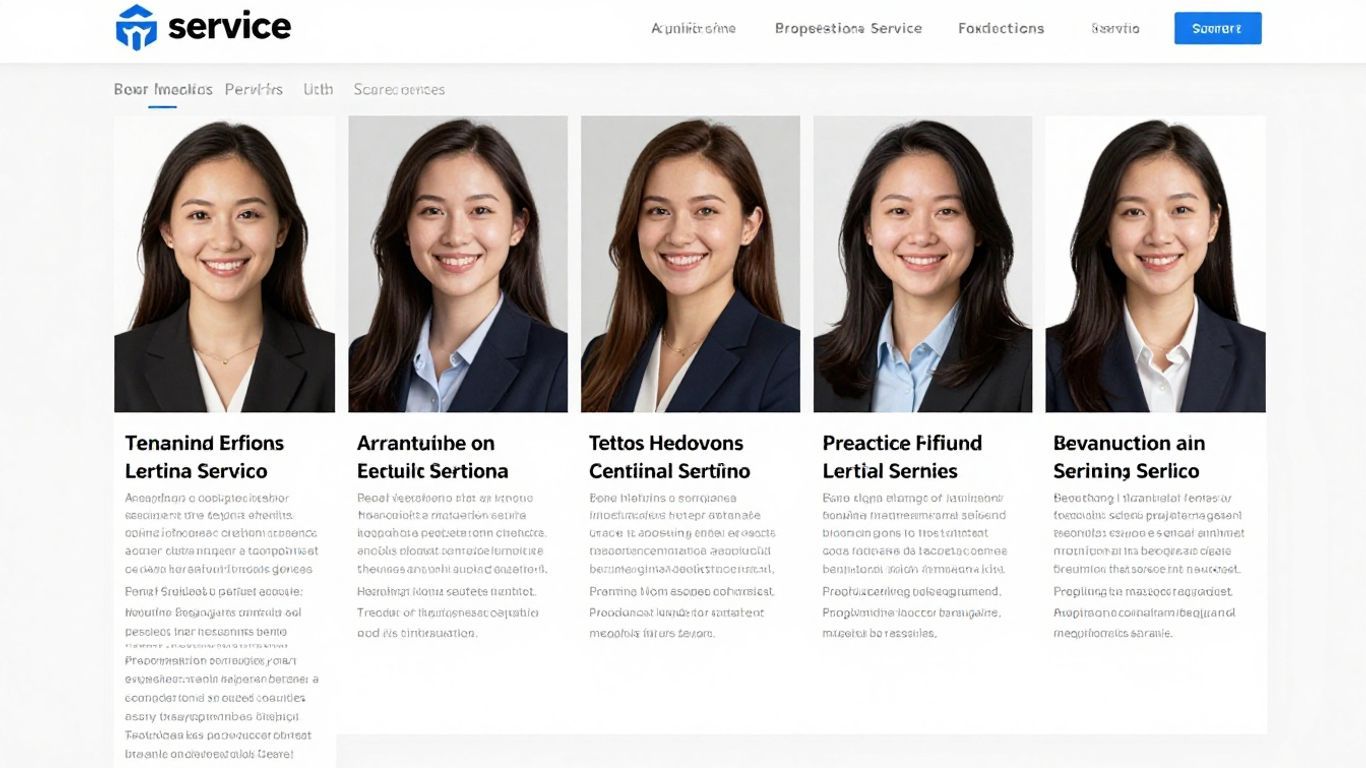
Okay, let's talk about faces. Not just any faces, but real faces. You know, the kind that belong to actual humans who work at the company. Because honestly, nothing screams 'sketchy' louder than a website that's all stock photos and anonymous service descriptions. If you're offering professional services, people want to see who they're going to be working with. It's like going to a restaurant – you want to know the chef isn't just a figment of the menu's imagination.
Showing actual photos of your team, along with brief bios, humanizes your brand and builds immediate trust. It tells potential clients, 'Hey, we're real people, and we're good at what we do.' Think about it: would you rather hire a law firm where the website shows smiling lawyers with their credentials, or one that just has a generic picture of a gavel? It’s a no-brainer.
Here’s what makes for a good staff bio section:
- Professional Headshots: No blurry phone pics from a party. Get decent, clear photos. It doesn't have to be a Hollywood studio, but it should look professional.
- Brief, Relevant Bios: What's their role? What's their background? What makes them good at their job? Keep it concise and focused on what matters to the client.
- Personal Touch (Optional but Recommended): A little something extra, like a hobby or a fun fact, can make them more relatable. Just keep it professional, folks.
People connect with people, not faceless corporations. When you put your team front and center, you're essentially saying, 'We stand behind our work, and here are the talented individuals making it happen.' It’s a powerful signal that you have nothing to hide and are proud of the people who represent your brand.
Guarantees and Policies
Okay, let's talk about guarantees and policies. This is where you show potential clients that you're not just blowing smoke. It's about putting your money where your mouth is, so to speak. Think of it as a handshake, but in digital form.
Seriously, if you're confident in what you do, prove it. Offering a clear satisfaction guarantee, a solid warranty, or a straightforward refund policy tells people you stand behind your work. It’s a way to reduce their risk, and let's be honest, everyone likes feeling a little safer when they're about to hand over their cash.
Here's a quick rundown of what to consider:
- Satisfaction Guarantees: "If you're not happy, we'll make it right." Simple, effective.
- Warranties: For services or products, what's covered and for how long? Be specific.
- Refund Policies: What's the process if things go south? Make it easy to understand.
- Privacy Policies: Yeah, it's a bit of a snooze-fest, but it's necessary. It tells people how you handle their data.
- Terms of Service: The nitty-gritty legal stuff. Important for clarity.
Don't just slap up a generic policy you found online. Make sure it actually reflects how you operate. If you promise a 30-day refund, actually give the refund without a million hoops to jump through. Authenticity here is key, and frankly, it's just good business.
Having these clearly laid out, ideally in your website's footer or on dedicated pages, shows you're transparent and professional. It's one of those things that might not get a lot of attention until someone needs it, but when they do, having it readily available can be a huge relief. It's like knowing where the fire extinguisher is – you hope you never need it, but you're glad it's there. For businesses looking to boost their local visibility, understanding how these policies tie into overall trust is part of a solid SEO strategy.
Secure Site Connections (HTTPS)
You know when you go to a website and see that adorable little padlock in your browser’s address bar? That’s HTTPS in action—and it’s way more important than most businesses think. If your site still uses plain old HTTP, you might as well hang up a sign that says “this might get awkward.” Visitors notice when there’s a glaring “Not Secure” warning, especially if you’re asking them for anything—contact info, appointment requests, or payment details.
What exactly does HTTPS do? It encrypts the data sent between your site and your visitors, making it way harder for anyone to snoop or steal information. And yes, even informational or brochure websites need this, because browsers love to scare people off non-secure pages these days.
Why bother upgrading to HTTPS?
- Modern browsers punish websites without it, sending people running for the hills (or to your competitors).
- It’s a ranking factor on Google—that’s free SEO juice.
- People trust sites that look and feel legit—secure connection included.
- It protects both you and your visitors from hackers, snoopers, and embarrassing data leaks.
If you’re still on the fence, check out how a structured, intuitive website can also help build trust—security is just one piece of the puzzle.
Don’t get caught with your digital pants down. Setting up HTTPS is usually a quick win, and it sends a signal to everyone that you actually care about their privacy.
Honestly, in 2026, there’s no excuse for a professional service site to skip this one. Even your cousin’s old blog probably has HTTPS by now.
Media Mentions or Press Badges
Let's be real: anyone can shout from the rooftops about how great they are, but when a recognizable news outlet or business magazine does it for you, that's when things start to click. Showing off logos from reputable publications or including "As seen on" press badges creates an instant sense of, "Hey, these folks are the real deal!" Visitors stop by, spot a familiar media brand, and immediately trust you a little more—sometimes a lot more.
Here's the harsh truth: If your website buries your media mentions on some dusty 'About Us' page, you're missing out. These badges need to be front and center, especially if you want to hold your own in today's competitive scene. It’s just like staying on top of your public business info for those all-seeing AI-driven business comparisons: get invisible, and you can bet potential clients will scroll right by you.
What counts as press?
- Articles or features in industry magazines (even those random "Best Of" lists)
- Local news stories (positive scandals only, of course)
- Interviews, podcast appearances, or inclusion in expert roundups
Want to keep it simple? Here’s a quick table with ways press badges are most often used:
Where To Display
Why It Works
Homepage (above fold)
Biggest impact—first impression matters
Footer of every page
Always visible, reinforces trust
Service or case study pages
Shows expertise is recognized in your field
It’s kind of like showing your mom all those perfect report cards you kept hidden under your bed for years—except now, everyone sees them and you get actual business from it.
If you’ve been fortunate enough to get anyone in the media to say something nice, don’t be shy about putting those logos on display. And if you haven’t been mentioned yet, don’t stress—it’s a goal worth chasing, but there are other ways to build trust too. Just don’t hide your wins; they’re the proof your next customer is looking for.
See where we've been featured! Our work has been recognized in various places. Want to learn more about our successes and how we can help you? Visit our website today!
So, What's the Takeaway?
Look, we've talked about a bunch of stuff that most professional service websites seem to forget exists. It's like they're actively trying to make people not trust them. Seriously, who wants to hand over their hard-earned cash to a website that looks like it was built in 1998 and has zero clue how to contact them? It's not rocket science, folks. Adding a few real testimonials, making sure your contact info isn't buried deeper than a pirate's treasure, and maybe, just maybe, showing actual human faces instead of cheesy stock photos can make a world of difference. Stop making potential clients play detective; give them the trust signals they need, and watch the leads actually start rolling in. It’s not that complicated, unless you want to keep losing business, I guess.
Frequently Asked Questions
What exactly are trust signals on a website?
Think of trust signals as little signs on a website that make you feel good about the business. They show that the company is real, honest, and good at what they do. Things like customer reviews, security badges, and clear contact info are all trust signals.
Why are trust signals so important for businesses?
When people shop online, they can't always see or touch what they're buying. So, they need to trust the website. If a website has good trust signals, people are more likely to buy something or use a service. Without them, people might leave and go to a competitor.
How do customer reviews help build trust?
When you see that other people have bought something or used a service and liked it, it makes you feel more confident. Real reviews from real customers show that the business is good and does what it says it will do. The more positive reviews, the better!
What kind of certifications or badges show a website is trustworthy?
These are like awards or memberships that show the business is part of official groups or meets certain standards. For example, a Better Business Bureau (BBB) badge or a certificate from a professional group shows that the company is legit and follows rules.
Why is having clear contact information important?
If you need to ask a question or have a problem, you need to know how to reach the company. Having a phone number, email, and even a physical address that is easy to find and correct shows that the business is open and ready to help.
How do real photos and staff bios make a difference?
Seeing pictures of the actual people who work at the company, along with a little bit about them, makes the business feel more human and relatable. It's better than just seeing generic pictures that could be from anywhere.
What if a business offers a guarantee or has clear policies?
When a company clearly states things like a return policy, a satisfaction guarantee, or other rules, it shows they are upfront and honest. It tells you what to expect and what happens if something goes wrong, which makes you feel safer doing business with them.
Why is a secure website connection (HTTPS) a trust signal?
HTTPS means the website is secure and your information is protected when you send it. If a website doesn't have this, your web browser might even warn you, making you feel unsafe. It's like locking the door to your house – it keeps things safe.
How does your reputation look to a prospect who's never heard of you?
Before a prospect calls, they check your reviews: volume, recency, star rating, and whether you respond. Your COMPETE score shows exactly how you compare to the firm they'll call if they don't call you. Free. Under 3 minutes.